
The Death of Post-Call Admin: Why AI is Rewriting the Customer Operations Playbook
The silent drain on your team's velocity by automating the operational tax of every customer interaction.

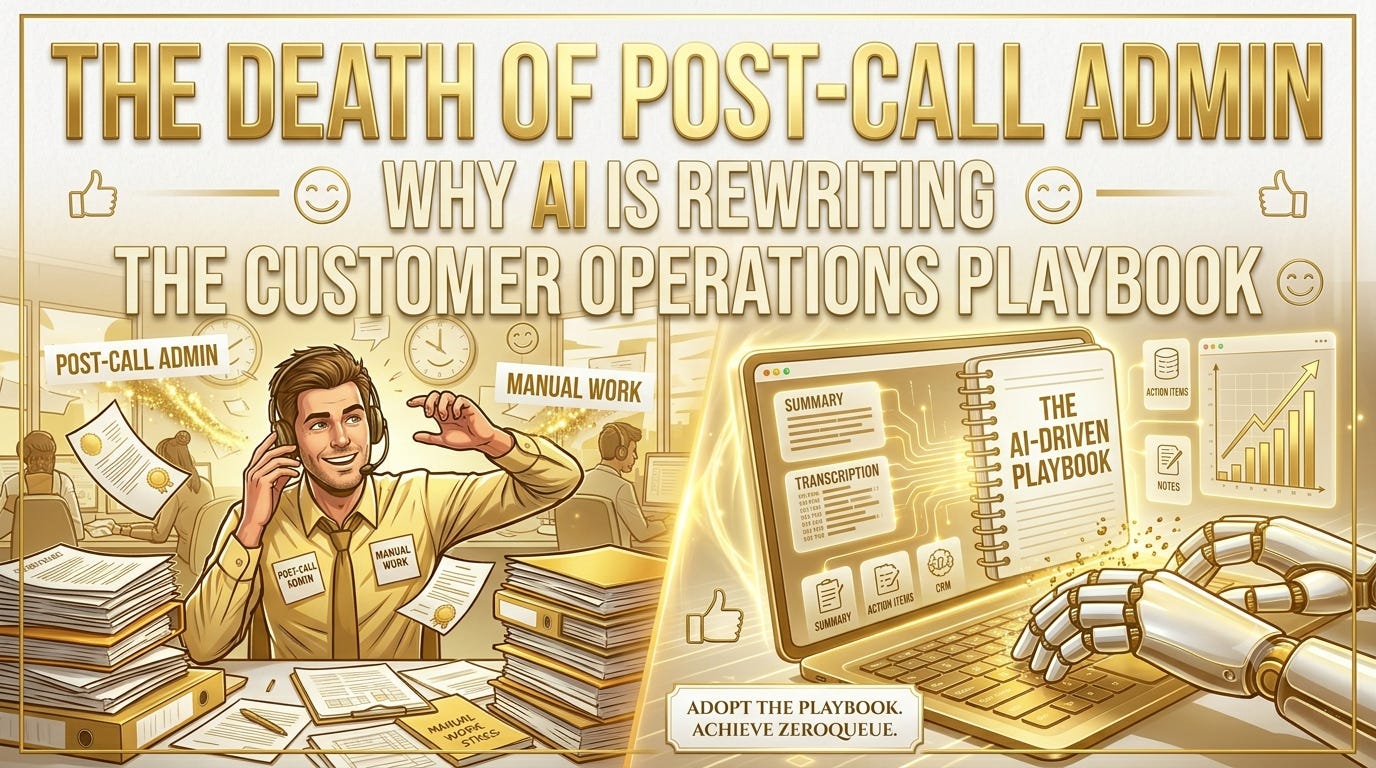
Every Customer Experience (CX) leader is currently obsessed with the front end of the customer journey. We talk endlessly about instant response times, autonomous chat agents, and eliminating the queue. We optimize the greeting, we fine-tune the routing, and we celebrate the second a live interaction ends.
But then, the hidden tax of customer operations kicks in.
The agent hangs up the phone or closes the chat window. The customer goes about their day, completely satisfied. Meanwhile, your agent sits in silence, staring at a blank text field in your CRM or helpdesk. For the next three to five minutes, they type out notes, select disposition codes, manually tag categories, and trigger follow-up tasks.
This is After-Call Work (ACW), and it is the silent killer of your team’s velocity, energy, and data integrity.
In an AI-native world, manual documentation isn’t just an inefficiency—it’s an operational failure. It’s time to move beyond the era of the human data-entry clerk.
The True Cost of “Ghost Work”
To understand why post-call admin is killing your metrics, you have to look at the compounding math of a standard support team. If an average agent handles 40 interactions a day and spends just 3 minutes documenting each one, that’s two full hours per day, per agent spent doing nothing but administrative data entry.
On a team of 50 agents, that translates to 100 hours of overhead every single day.
This “ghost work” creates a destructive ripple effect across your entire operation:
The Queue Deflation Bottleneck: While your agents are stuck typing notes from their last conversation, live customers are sitting in the queue waiting for the next one. You haven’t truly solved your queue problem if your agents are bottlenecked by software after the customer leaves.
The Data Degradation Problem: Human beings are remarkably bad at objective, standardized data entry when they are rushed. Under pressure to clear the queue, agents use shorthand, skip fields, or misclassify issues. Your data pipeline becomes noisy and unreliable.
The Cognitive Drain: Forcing skilled, empathetic problem-solvers to spend 25% of their day doing mindless transcription leads to rapid burnout. It saps the emotional energy they need for the next complex human interaction.
Historically, we accepted this as the cost of doing business. If you wanted a clean CRM and accurate reporting, someone had to do the typing. But legacy tools forced a false trade-off: choose between high data quality or fast handling times.
Enter the Autonomous Context Layer
The core thesis of an AI-native customer operation is simple: Humans should talk to humans; machines should talk to machines.
When an agent is on a call, they should be entirely focused on the emotional and technical nuances of the customer’s problem. The moment that interaction concludes, the machine should step in to handle the operational fallout.
Modern AI-powered integrations have evolved from simple transcription tools into active operational layers. Instead of merely generating a block of text that says “Customer called about a broken billing link,” modern infrastructure can listen, comprehend intent, and execute structural actions natively inside your helpdesk.
[Customer Interaction] ➔ [Real-Time AI Processing] ➔ [Automatic Ticket Creation/Updates]
                                                       ➔ [Structured Intent Tagging]
                                                       ➔ [Autonomous Workflow Triggers]
By allowing an AI layer to handle documentation, the post-call routine transforms entirely:
1. Zero-Click Ticket Generation
Instead of an agent manually clicking “New Ticket,” filling out contact fields, and linking accounts, the system detects the incoming number or email identifier, references it against your database, and structures the record entirely in the background.
2. High-Definition Context, No Context Drop
When an agent passes a ticket to a tier-2 specialist, or when a customer calls back a week later, the biggest friction point is re-explaining the problem. AI doesn’t summarize with vague phrases like “Client had issues.” It captures the exact technical error, the steps already attempted, and the sentiment of the user—standardized across every single interaction.
3. Real-Time Dispositioning
Categorization is the lifeblood of CX analytics. If you don’t know why customers are calling, you can’t fix product defects. AI can automatically analyze the conversation transcript against a dynamic taxonomy, tagging the exact feature, bug, or question instantly and with 100% consistency.
Operational Freedom: Shifting to Continuous Flux
When you eliminate post-call admin, your operational metrics shift overnight. Your Average Handle Time (AHT) drops drastically, not because you are rushing customers off the phone, but because the tail-end of the interaction has been compressed to zero.
More importantly, it changes the capacity model of your organization. Suddenly, a team that felt underwater at 500 tickets a day can handle 750 with ease, simply because they are spending their active hours solving problems rather than logging them.
This isn’t a futuristic vision; it’s an immediate operational upgrade available through modern ecosystem integrations. For instance, platforms are now deploying native capabilities where the phone system and the helpdesk communicate continuously.
(Note: If you want to see exactly how this works in practice, check out the streamlined, zero-code automation setups being built by teams like Aircall, which automatically generate and sync live Zendesk tickets the second a call finishes.)
How to Audit Your Team’s Admin Tax
If you want to free your team from the documentation trap, start with a simple three-step audit of your current workflow:
Measure the Delta: Look at your telephony or chat logs and calculate the exact time between “Disconnect” and “Ready for next interaction.” That is your baseline admin tax.
Identify Repetitive Fields: What are your agents typing out manually every time? If they are writing variations of “Sent password reset link,” that is a prime candidate for an automated macro or AI disposition.
Unshackle the Integrations: Ensure your communication channels aren’t siloed. Your phone, SMS, WhatsApp, and helpdesk systems should feed into a singular, AI-orchestrated context layer.
The goal of modern customer operations is to achieve a true Zero Queue state. But you cannot build a zero-queue experience on top of a mountain of manual data entry. Free your agents from the keyboard, let AI handle the bureaucracy, and let your team focus entirely on what they do best: delivering exceptional, human-centric support.